Purchasing a Virtual Card
1. Select a Card
1. Select a Card
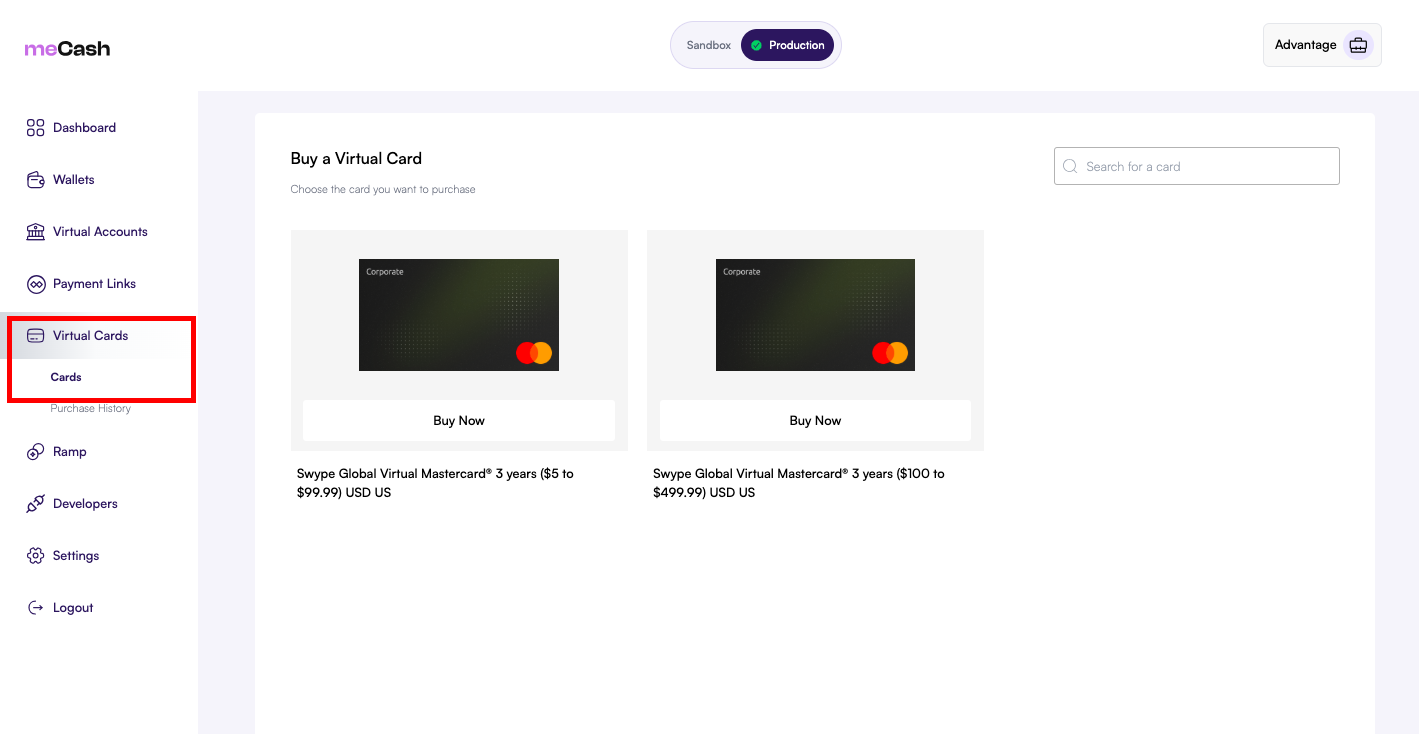
Navigate to the Virtual Cards section in your dashboard. You will see available card options, such as the Swype Global Virtual Visa. Click Buy Now on the card you wish to purchase.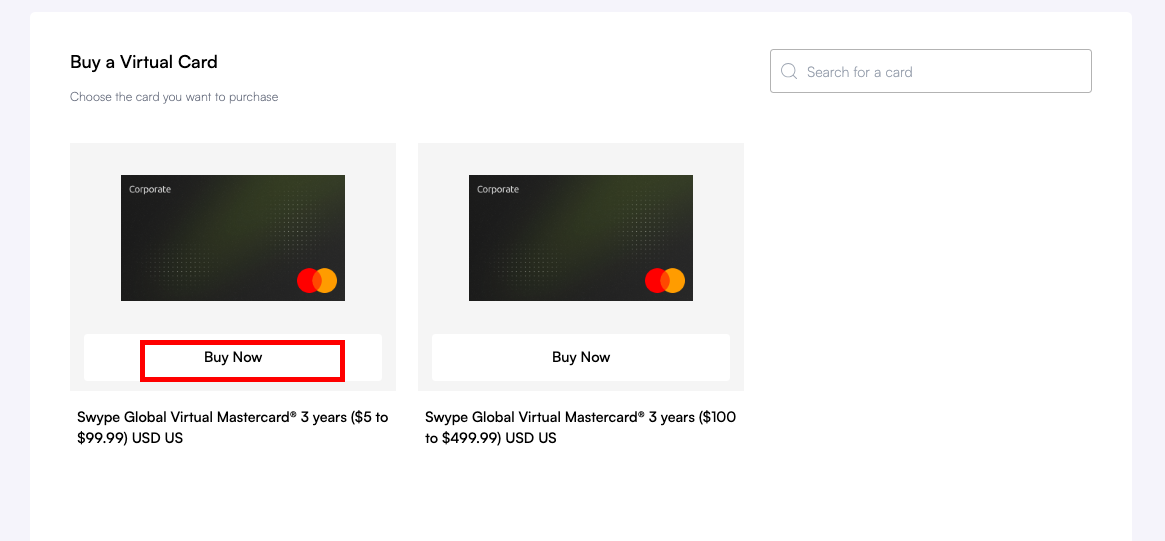
2. Enter Purchase Details
2. Enter Purchase Details
Fill in the purchase details, including: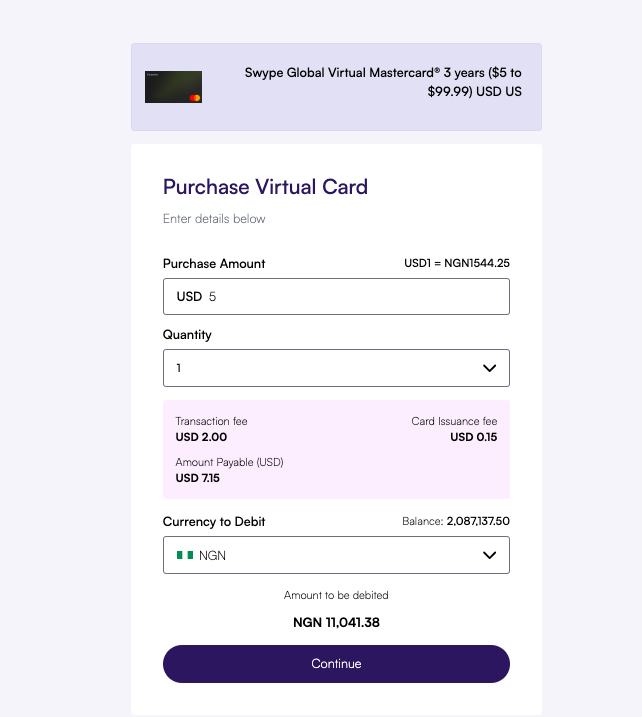
- Purchase Amount: The amount to load onto the card (in USD).
- Quantity: The number of cards you wish to buy.
- Currency to Debit: The wallet currency you want to pay with (e.g., NGN).
3. Review Transaction
3. Review Transaction
Review the transaction summary, which includes the purchase amount, transaction fee, card issuance fee, and the total amount to be debited from your wallet.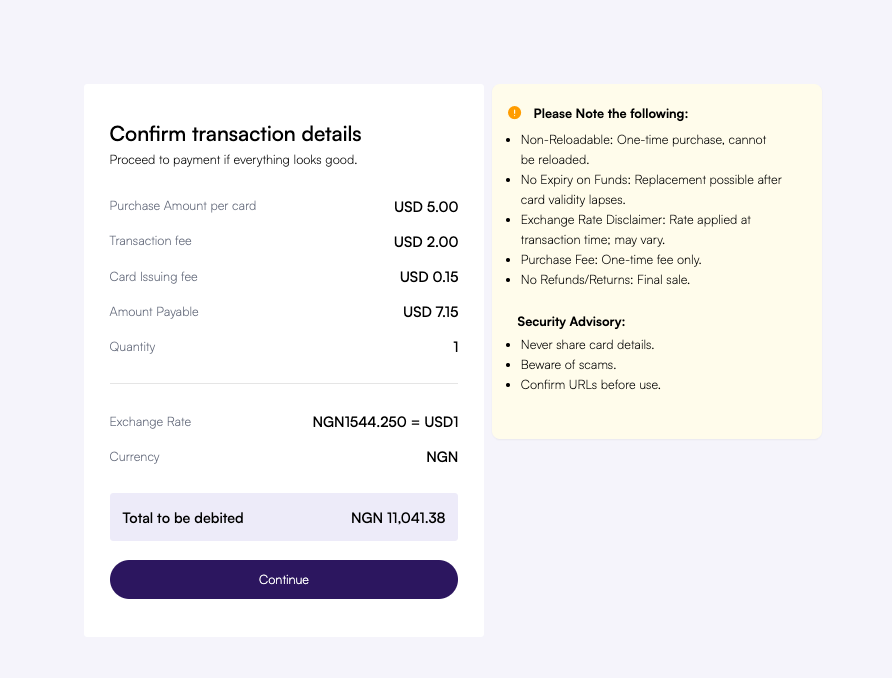
4. Complete Verification
4. Complete Verification
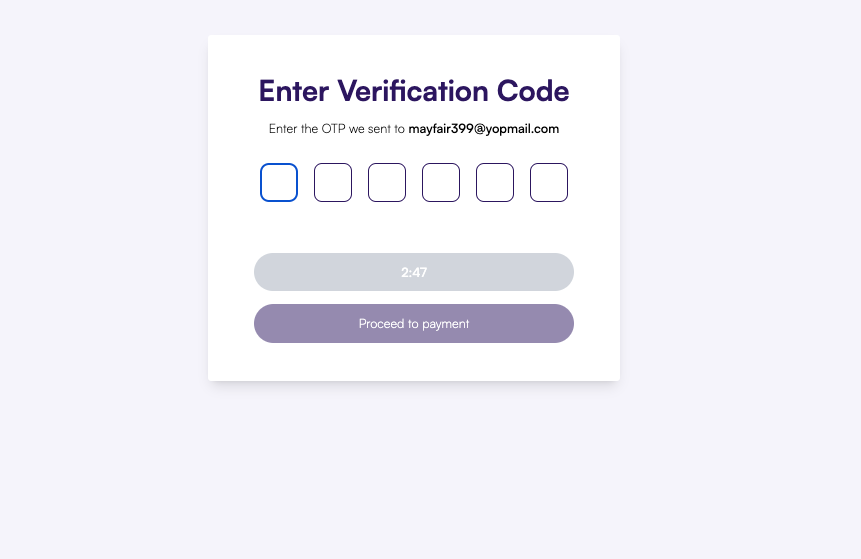
Enter the OTP sent to your registered email address to authorize the transaction. Once verified, your virtual card(s) will be issued instantly.